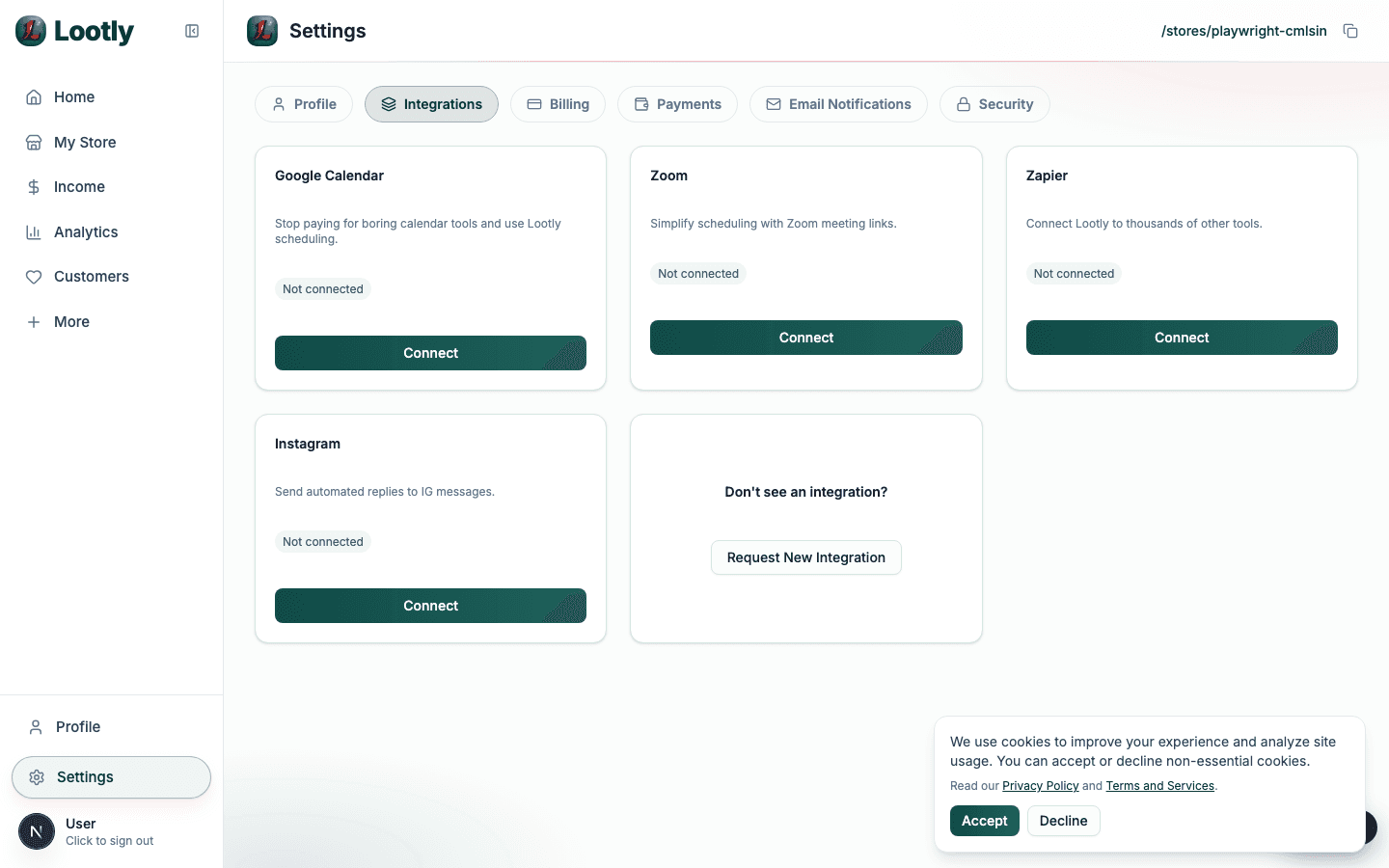
Integrations
Set up Zapier order automation
Connect order events to your CRM, sheets, or fulfillment workflow.
Define your automation outcomes
Pick one primary workflow first, such as adding customers to CRM.
Avoid complex multi-step automations until event payloads are verified.
Configure webhook trigger
Create a Zap trigger and connect the webhook URL in Lootly integrations.
Run a test purchase so Zapier receives a real event payload.
Validate mapping and error handling
Map critical fields like email, product, and order total.
Add fallback handling for missing optional fields.